The selection of the best MSI gaming laptops in 2026 is the most technically intriguing – but also the most complex – in the brand’s history. While 2025 was marked by a search for stability, 2026 brought a clear division of the portfolio into two distinct worlds.
MSI gaming laptops are now defined either as uncompromising premium machines (Titan, Raider, Stealth) or as budget models (Katana, Cyborg, Thin), which require the buyer to have a significant amount of knowledge about technical limitations. An analysis of the r/GamingLaptops and r/MSILaptops communities suggests that up to 85% of the issues reported in 2025 concerned the cheaper series, while the premium class reached a stage in 2026 where it genuinely competes with desktops.
This is primarily due to the adoption of full-fledged Blackwell architecture graphics chips with up to 16 GB of GDDR7 VRAM and extreme memory bus bandwidth. This guide covers all the main MSI gaming laptop series available in 2026, offering a realistic look at performance, temperatures, noise levels, and persistent issues with hinges or displays.
In the US, these MSI gaming laptops are available from major retailers – such as Best Buy, Micro Center, Newegg, and Amazon. All prices in this article are listed in US dollars (USD) and exclude sales tax.
Key Information
- Quality Gap: Titan, Raider, Stealth, and Vector are the only series that can be recommended without reservations regarding the chassis; MSI’s budget gaming laptops (Katana, Cyborg) still cut corners on hinges and materials.
- A breakthrough in TGP (Total Graphics Power): The MSI Cyborg 15 Max (2026) delivers a groundbreaking 122% increase in TGP (up to 100 W) compared to the 2024 generation, thereby eliminating the biggest weakness of entry-level models. The higher power limit allows mid-range mobile GPUs to fully utilize the new architecture and boost frequencies without drastic underclocking under load.
- Raider 16 Max (2026): The new flagship delivers combined system power of up to 300 W (125 W CPU 175 W GPU), supported by a new cooling system with three fans and an Intra Flow design. It is precisely the massive 175 W allocated to the GPU that unlocks the full potential of the silicon, including native support for the PCIe Gen 5 interface and brutal performance in path tracing.
- Displays without G-Sync: Even in 2026, most MSI laptops do not support G-Sync or Advanced Optimus on their built-in panels, which increases latency compared to competitors like ASUS or Lenovo. This is despite the fact that laptop GPUs now routinely generate hundreds of FPS thanks to artificial intelligence and DLSS 4 with Frame Generation.
- Hinges and construction: The 2023 hinge redesign helped the higher-end models, but the Sword and Katana models still carry a risk of failure if handled carelessly.
Overview of MSI’s gaming laptop lineup in 2026
MSI’s naming structure for gaming laptops isn’t intuitive for newcomers. Buyers often assume a baseline level of quality across the brand, but in 2026, MSI maintains a huge gap between classes.
The Titan GT, Raider GE, and Stealth GS utilize magnesium alloys, graphics cards with a full 175W TGP, and a wide 256-bit memory bus, while the Crosshair, Katana, and Cyborg aim for a low price at the cost of a plastic construction, weaker displays, and GPUs with a narrower 128-bit bus or limited VRAM capacity, which can be a bottleneck at 4K and QHD resolutions.
| Series | Target Group | Max GPU (TGP) | Chassis Material | Price from (USD) |
|---|---|---|---|---|
| Titan GT/18 | Absolute high-end | RTX 5090 (175W) | Magnesium alloy | from approx. $5,250 |
| Raider 16 Max | Maximum performance | RTX 5080 – 5090 | Metal lid base | from approx. $3,500 |
| Vector GP | Value for money | RTX 5070 Ti – 5080 | Metal Plastic | from approx. $2,300 |
| Stealth GS | Portability Luxury | RTX 5070 – 5080 | Mg-Al alloy | from approx. $2,700 |
| Cyborg 15 Max | Entry-level (Max) | RTX 5060 – 5070 | Plastic | from approx. $1,300 |
| Katana / Thin | Budget gamers | RTX 5050 – 5060 | Plastic | Starting at approx. $1,000 |
Best budget model: MSI Cyborg 15 Max (2026)
MSI’sbudget-classgaming laptops have long been criticized for their low graphics performance. However, the 2026 Cyborg 15 Max model represents a major improvement. MSI has finally configured the RTX 5070 to a TGP of 100 W (130 W total system). According to MSI’s April 2026 announcement, this represents a 122% increase in the power envelope compared to the 2024 generation, when the RTX 4060 was limited to a laughable 45 W.
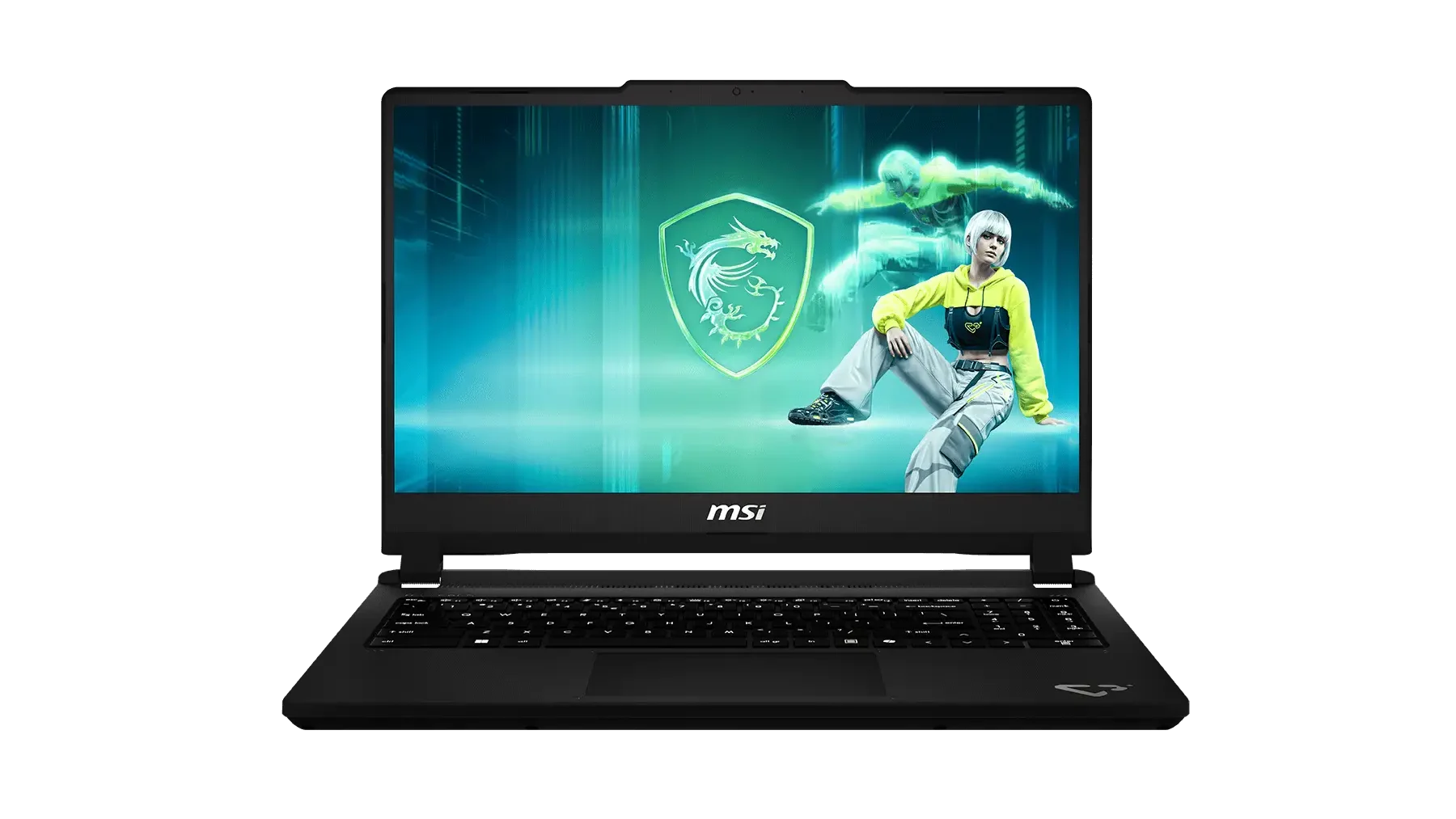
In addition to performance, the display has also undergone a change. While older MSI gaming laptops in this price range had washed-out panels (60% sRGB), the 2026 model in the Max configuration offers an FHD 144 Hz panel with 100% sRGB coverage.
However, the chassis remains plastic and prone to flexing. The keyboard in this class comes from supplier Sunrex, which led to criticism in GamesRadar reviews for its “spongy” feel when typing. Nevertheless, if you’re looking for affordable MSI gaming laptops, the Cyborg 15 Max version is the first to realistically catch up to the Lenovo LOQ in benchmarks.
Best High-Performance Model: MSI Raider 16 Max (2026)
The Raider 16 Max (2026) is the most significant update in the brand’s recent history. These MSI gaming laptops are built for raw performance – thanks to OverBoost Ultra technology, they deliver up to 300 W of combined power (125 W for the Core Ultra 9 290HX Plus and 175 W for the RTX 5090). The new Cooler Boost Trinity cooling system utilizes three fans, six heat pipes, and five exhaust vents, keeping noise levels below 50 dBA under load.
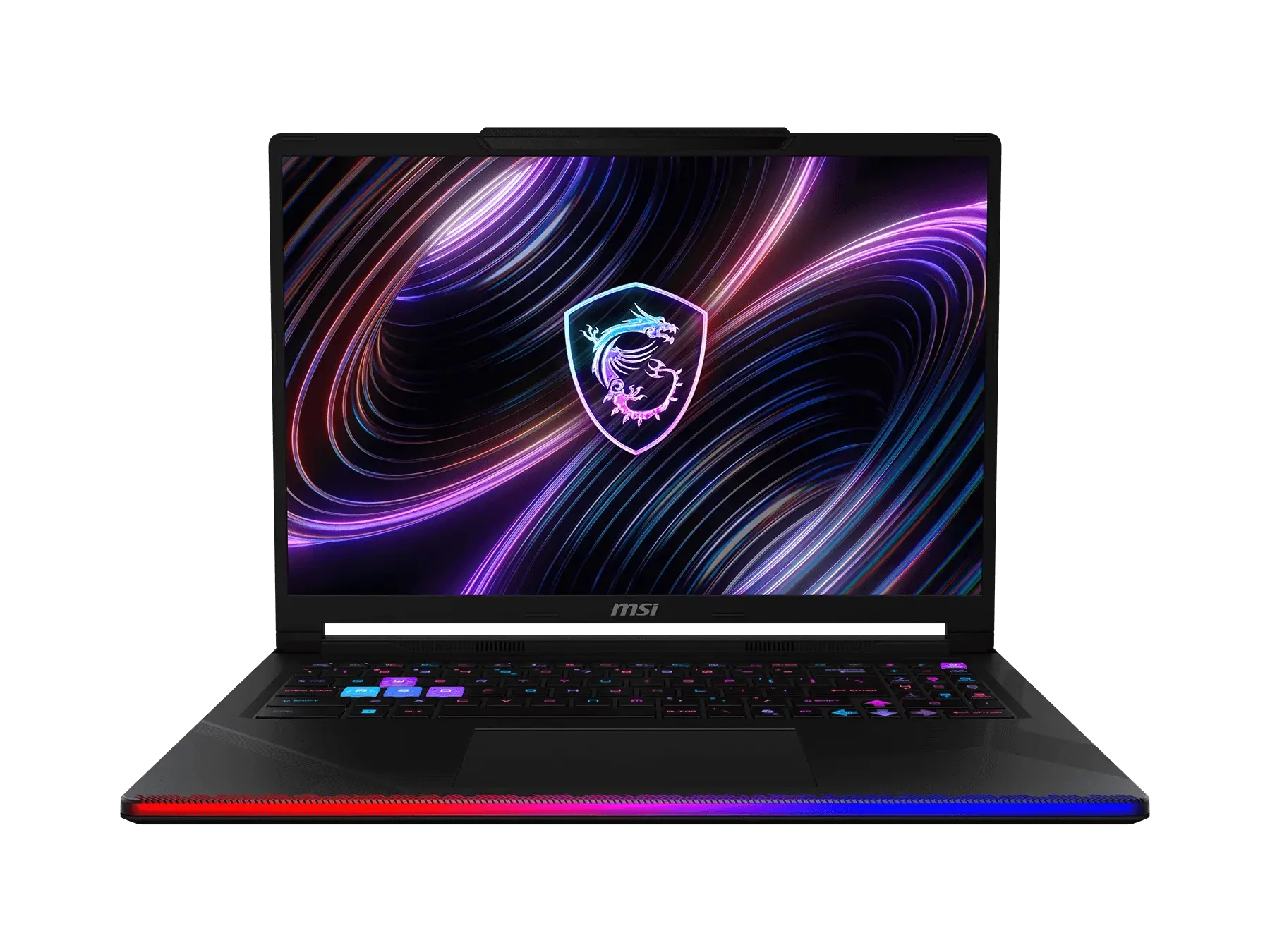
It features a 16-inch QHD 240 Hz OLED display with DisplayHDR True Black 1000 certification. Independent testing by Technerdo confirmed that 4K video export in DaVinci Resolve was 20% faster than on the previous generation.
The biggest weakness, however, remains the absence of G-Sync on the internal panel. MSI still routes the image through the iGPU, which is a decision that’s hard to justify on a machine costing $3,850. These MSI gaming laptops excel in connectivity, though – Thunderbolt 5 and support for up to 128 GB of DDR5-7200 RAM make them beastly workstations.
Luxury Mobility: MSI Stealth 16 AI (2026)
The Stealth series is designed for those who need elegance without sacrificing gaming performance. The Stealth 16 AI (2026) utilizes a magnesium-aluminum (Mg-Al) alloy chassis, resulting in a weight of just 1.9 kg. Under the hood, you’ll find an AMD Ryzen AI 9 HX 370 processor and graphics up to the RTX 5080, though with a limited TGP of 105–140 W. These MSI gaming laptops are recognized for their design, which won a CES Innovation Award.
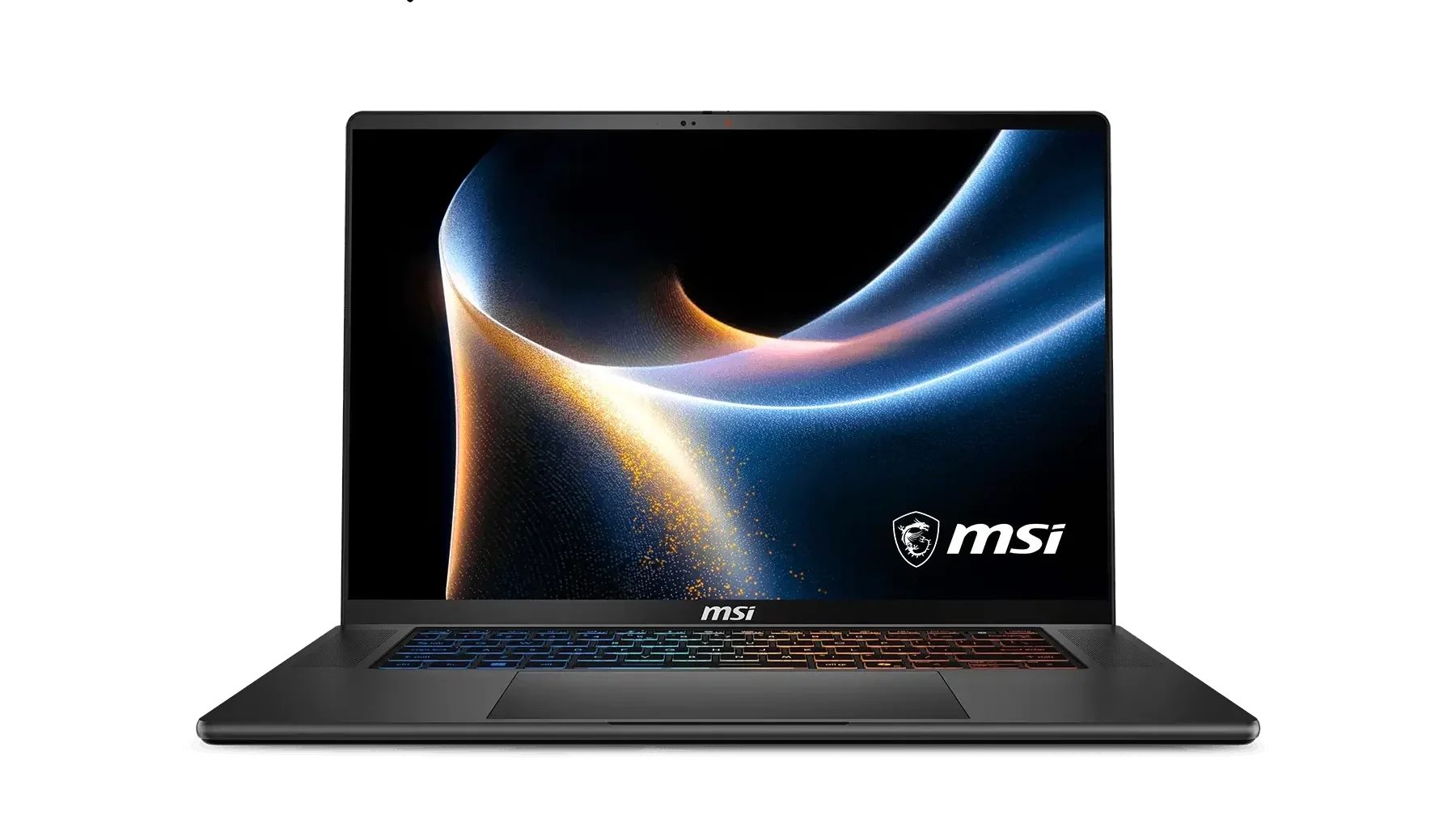
The display is a top-of-the-line 240 Hz OLED with 100% DCI-P3 coverage, which content creators will particularly appreciate. Vapor chamber cooling allows for a slim profile, but expect higher surface temperatures above the keyboard while gaming. Unlike the Cyborg series, the Stealth uses premium SteelSeries keyboards with RGB backlighting for each key, which offer excellent tactile feedback.
MSI Gaming Laptops: The Flagship MSI Titan 18 HX
If you’re looking for the absolute pinnacle of performance, the MSI Titan series gaming laptops are the only answer in 2026. The Titan 18 HX A2W model is a true desktop replacement that pairs an Intel Core Ultra 9 290HX Plus with the most powerful RTX 5090 graphics (24 GB GDDR7). Thanks to OverBoost Ultra technology, this machine can deliver an incredible 220 W to the processor, requiring a massive 400 W power adapter and advanced vapor chamber cooling.
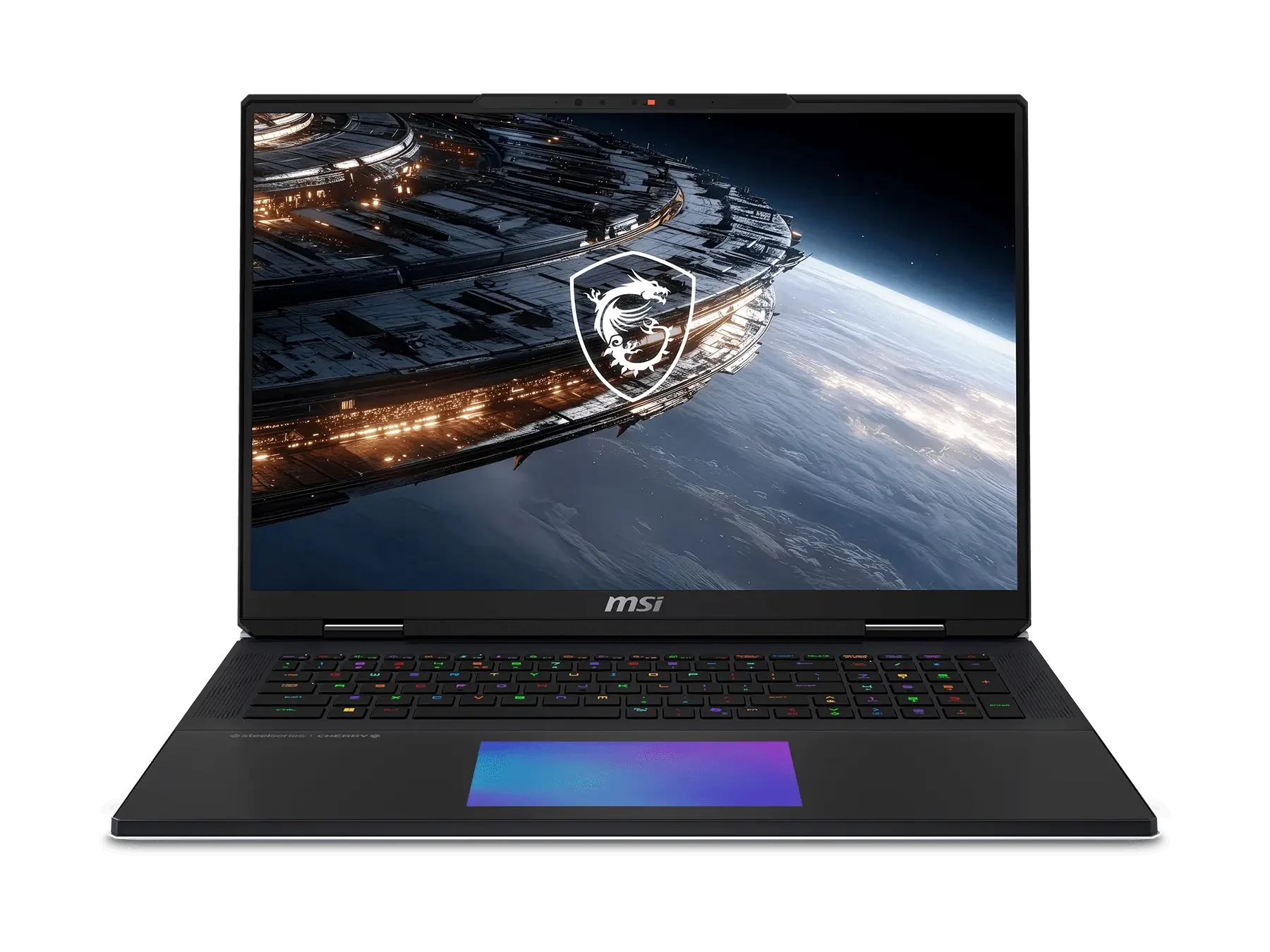
The visual experience is defined by an 18-inch 4K 240 Hz Mini-LED panel with 1,000 nits of brightness and a 2,000,000:1 contrast ratio. With 100% DCI-P3 coverage, this display is suitable for even the most demanding gamers and professional editors. The experience is complemented by a fully mechanical Cherry MX keyboard, which provides unmatched tactile feedback, and a six-speaker system from Dynaudio.
The Titan in 2026 doesn’t skimp on connectivity either – it features Thunderbolt 5 ports (120 Gbps), four DDR5 RAM slots (up to 128 GB), and support for the fastest PCIe Gen5 SSDs. Despite a price exceeding $5,400 and a weight of 3.6 kg, these MSI gaming laptops remain the undisputed kings of the market for those who demand maximum raw power without any limits.
Technical Guide: The TGP Trap and the Importance of Watts
This is the most important technical point for any buyer comparing MSI gaming laptops. The GPU model listed in the spec sheet won’t tell you how much power that GPU actually gets. TGP (Total Graphics Power) is the wattage allocated to the graphics card. As documented by Notebookcheck, MSI historically configured the RTX 4060 in the Cyborg model at only 45 W, while in the Katana model at 105 W. The difference in gaming performance was a drastic 30–40% to the detriment of the Cyborg.
In 2026, MSI is addressing this issue with “Max” models (100 W TGP), but always check the wattage on base models. If you’re buying MSI gaming laptops with an RTX 5060 that cost suspiciously little, it’s likely a performance-throttled version. By comparison, competing ASUS TUF or Lenovo Legion Pro models typically utilize full wattage (115 W Dynamic Boost) without such drastic limitations.
Comparison of MSI 2026 Gaming Laptop Specifications
| Model (2026) | CPU | Max GPU (TGP) | Display | Keyboard |
|---|---|---|---|---|
| Cyborg 15 Max | Core i7-14650HX | RTX 5070 (100W) | FHD 144Hz 100% sRGB | Sunrex (Blue) |
| Katana 17 | Core i7-14700HX | RTX 5070 (105W) | QHD 165Hz 65% sRGB | Sunrex (4-zone) |
| Vector 16 HX | Core i9-14900HX | RTX 5080 (175W) | QHD 240Hz OLED | SteelSeries RGB |
| Raider 16 Max | Core Ultra 9 290HX | RTX 5090 (175W) | QHD 240Hz OLED | SteelSeries RGB |
| Stealth 18 AI | Ryzen AI 9 HX 370 | RTX 5080 (140W) | QHD 240Hz OLED | SteelSeries RGB |
| Titan 18 HX | Core Ultra 9 290HX | RTX 5090 (175W) | 4K 240Hz Mini-LED | Cherry MX Mechanical |
What Every Owner Should Know in 2026
If you buy an MSI gaming laptop, its lifespan depends directly on how well you maintain it. The biggest risk is the hinges. The r/MSILaptops community consistently recommends opening the lid with both hands and from the center – especially on Katana, Sword, and Cyborg models, where the plastic chassis is prone to cracking. These MSI gaming laptops also benefit from CPU undervolting via ThrottleStop, which can reduce temperatures by 10–15 °C without sacrificing performance.
During long gaming sessions, always use Cooler Boost mode, which forces the fans to run at maximum speed. The factory thermal paste on budget MSI models is usually adequate for only the first 18 months; after that, re-pasting is recommended (e.g., PTM 7950). If you’re looking for maximum network stability, consider upgrading to an Intel BE200 card, as some cheaper MSI gaming laptops still use less stable Realtek chips.
MSI Gaming Laptops – Who Are They Ideal For?
Avoid MSI if:
- You’re shopping in the range of under $900 to $1,000. The Cyborg, Thin GF, and lower-end Katana models have documented issues with hinges, displays, and TGP. At this price point, the ASUS TUF Gaming A15/A16 or Lenovo LOQ (AMD variant) offer significantly better build quality and GPU performance for the same price.
- You need a display for content creation or color accuracy. MSI’s budget displays with 60–65% sRGB coverage are unsuitable for photo or video editing. Even mid-range models require careful display verification before purchase.
- You need G-Sync or Advanced Optimus. MSI does not offer G-Sync on the built-in displays of its current lineup of gaming laptops, including premium models. If smooth adaptive synchronization on your laptop screen is important to you, check out the ASUS ROG or Lenovo Legion Pro.
- You need durability on a tight budget. A history of hinge failures in the GF, GL, and older GP series makes them a poor choice for anyone who needs a laptop to last five or more years of daily use without component repairs.
MSI is a strong choice if:
- You’re someone who prioritizes raw frame rates over display features. If you plan to connect an external G-Sync monitor anyway, the lack of built-in G-Sync on MSI becomes irrelevant, and the performance-to-price ratio improves significantly.
- You’re buying the Raider 16 Max, Raider 18 Max, or Titan for pure gaming performance. The Raider 16 Max (2026), with a system power of 300 W and an RTX 5090 at 175 W TGP, is truly competitive with anything from ASUS or Lenovo in the same price range. The OLED display is a significant improvement over previous panels in the Raider series.
- You’re a buyer who appreciates the SteelSeries keyboard. The keyboard on the Raider and Titan models is consistently rated as one of the better laptop keyboards available, with good key travel, reliable actuation, and per-key RGB backlighting that integrates well with games.