


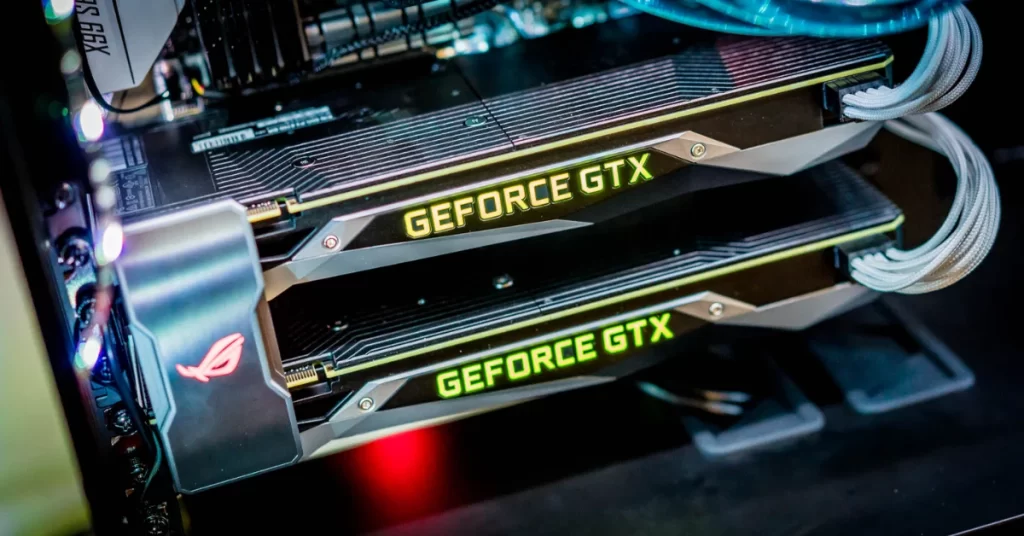
Today, many gamers are considering whether it’s worth having two graphics cards in a PC. Technologies like SLI, CrossFire or NVLink allow you to use multiple graphics cards at once, but does it still make sense? In this article, you’ll learn what the pros and cons are, how these GPU technologies work, and when they’re worth using.
Key Points:
- The once-popular SLI and CrossFire technologies are of limited use today.
- NVIDIA NVLink offers a more efficient replacement for professional applications and demanding computing tasks.
- Modern games and applications are increasingly optimized for single-GPU solutions.
What are SLI and CrossFire and how do they work?
SLI (Scalable Link Interface) from NVIDIA and CrossFire from AMD were once technologies that allowed multiple graphics cards to be used in a single system. This approach allowed the workload to be spread across two GPUs, which was particularly attractive to gamers who wanted to increase performance.
- SLI (NVIDIA): A technology for synchronizing two or more graphics cards, introduced by NVIDIA for increased gaming performance.
- CrossFire (AMD): An alternative from AMD with a similar feature for multiple GPUs to work together.

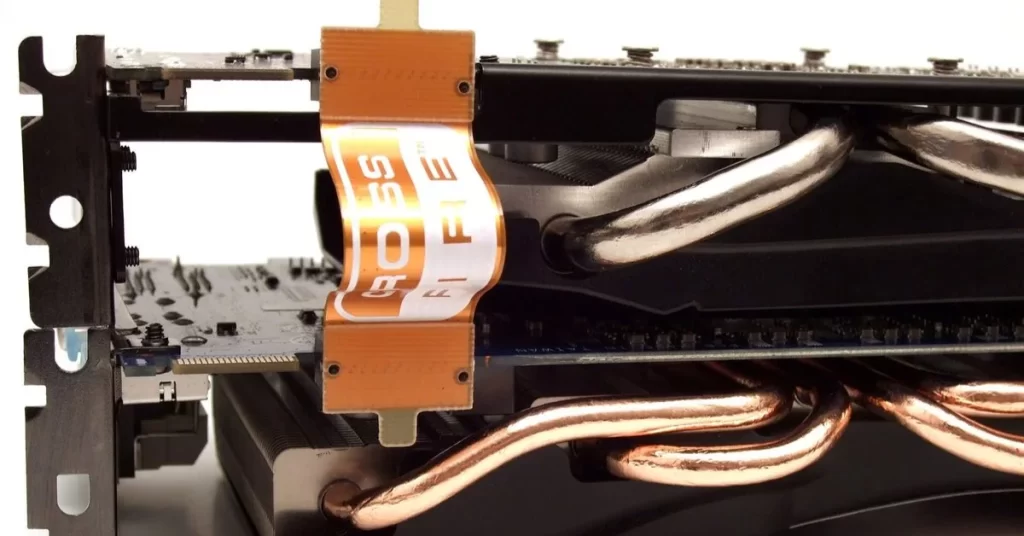
At a time when the performance of individual GPUs wasn’t that high, multi-GPU solutions were able to significantly increase graphics performance in supported games. Today, however, SLI and CrossFire face multiple challenges and have limited use.
Advantages and Disadvantages of using two graphics cards
Although the use of multiple GPUs may still be relevant in certain cases, the main benefits are now limited to professional and specific applications.
Advantages:
- Performance improvements for some applications: programs like Blender or rendering software can benefit from multiple GPUs.
- Better performance for older games that support SLI and CrossFire: Although new games no longer support multi-GPUs, some older titles do.
Disadvantages:
- Limited game support: most modern games don’t take advantage of multiple GPUs.
- Higher cost: Using two GPUs means higher hardware and electricity costs.
Multiple GPU setup and optimization
If you want to use two graphics cards, you will need:
- A motherboard with SLI or CrossFire support.
- Sufficient PSU power: Using two GPUs requires a powerful power supply.
- Efficient cooling: Two GPUs produce more heat and require good cooling.
Optimization tips:
- Update your drivers.
- Set game and software applications to fully support multi-GPU if possible.
A realistic look at SLI and CrossFire usability today
Modern games and applications often no longer offer full support for SLI and CrossFire. There are several reasons for this:
- Game compatibility: many new games and game engines no longer support multi-GPU solutions, which means that SLI or CrossFire configurations may not improve performance at all.
- Single-GPU performance: current graphics cards are so powerful that most gamers and professionals don’t need a second GPU to achieve peak performance.
- Stability issues: SLI and CrossFire can cause issues such as micro-stuttering, which can negatively affect the smoothness of the gaming experience.
Alternatives for two graphics cards in a PC
If you need more performance but a multi-GPU configuration is not suitable, consider these options:
- Upgrade to the latest single-GPU model: The latest gaming graphics cards offer high performance, often without the need for an additional card.
- External graphics cards (eGPUs): For laptops or smaller setups, external graphics cards can be a good solution to boost performance without the need to install a card directly into the chassis.


AD-GP1 eGPU Dock with AMD Radeon RX 7600M XT Graphics Card in a compact portable design. It also comes with a metal chassis, Oculink, HDMI 2.1, DP2.0 and USB4 ports.
NVLink: a modern alternative to SLI
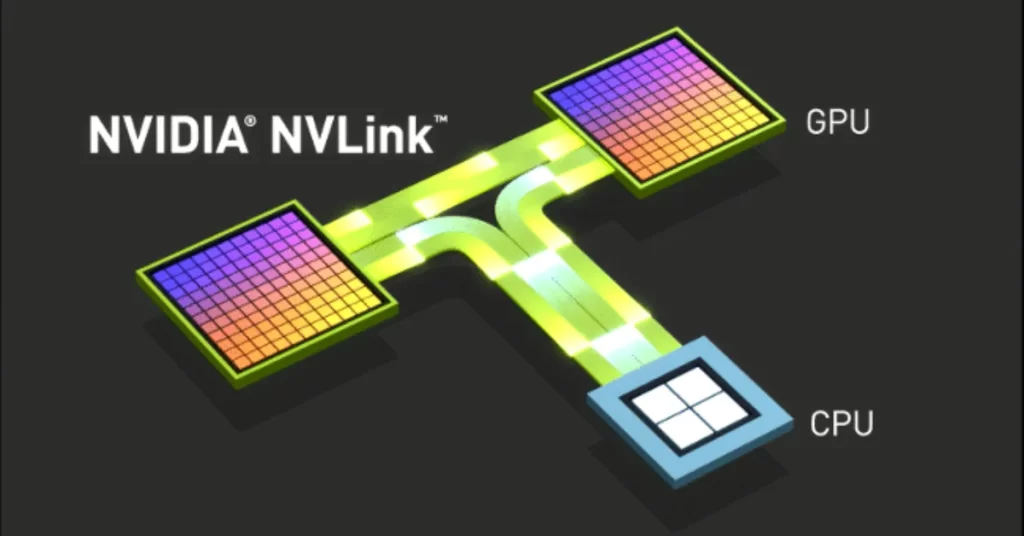
NVIDIA NVLink is a technology that provides a faster and more stable way to connect multiple graphics cards. Unlike SLI, NVLink allows graphics cards to share memory, which is a big advantage for compute-intensive tasks such as simulation, AI and rendering.
While NVLink does not replace SLI in mainstream gaming environments, it provides advantages in professional applications where high performance and fast communication between GPUs are essential.
Who is NVLink for?
- Professionals: For AI developers, 3D model designers, and scientists who need massive computing power.
- High-end users:For those who use applications that require fast data transfer between GPUs.

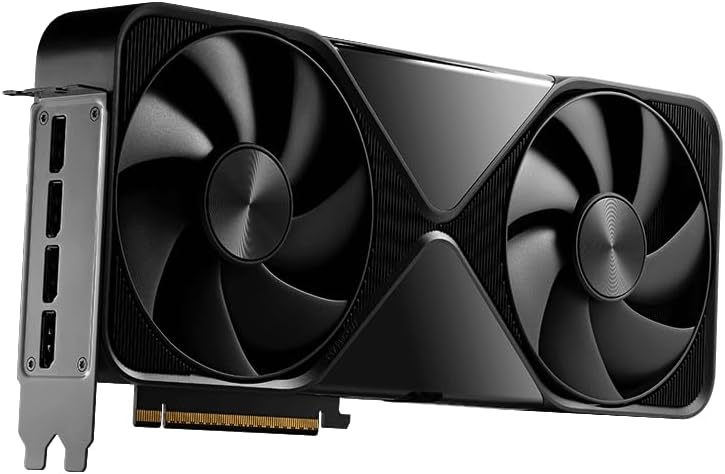
Graphics Card for AI, Design, Simulation, Engineering – 96GB DDR7 ECC Memory – 4th Gen RT/5th Gen Tensor Core GPU, DisplayPort 2.1
The future of multi-GPU technologies
As graphics card development moves forward, it is becoming increasingly clear that multi-GPU solutions like SLI and CrossFire are on the decline. Rather, the future belongs to powerful single-GPU solutions and technologies such as NVLink, which have specific uses in professional and scientific applications.
In the gaming world, fewer and fewer games are optimized for multi-GPU configurations, which means that for most gamers today, investing in a single but powerful graphics card is the best option.
Frequently Asked Questions (FAQ)
Can two graphics cards in a PC increase gaming performance?
For some older games, yes, but most new games no longer support multi-GPU.
Should I invest in two graphics cards?
It’s not necessary for gamers today. But if you’re into compute-intensive tasks, NVLink on high-end NVIDIA cards can be a good choice.
Is NVLink good for gaming?
No, NVLink is aimed at professional applications that require fast data exchange between GPUs. In games, its benefit is limited.
What are the alternatives if I want more performance but don’t want two GPUs?
Investing in a powerful single-GPU card is the best option for most users today. Modern cards, such as NVIDIA’s RTX 4000 series or AMD’s RX 7000 series, provide excellent performance even for demanding games and applications.
What graphics card do I need for NVLink?
NVLink is only available on high-end NVIDIA cards such as the RTX 3090 and RTX 4090, or on professional cards such as NVIDIA Quadro models. It is not available on mainstream gaming cards.