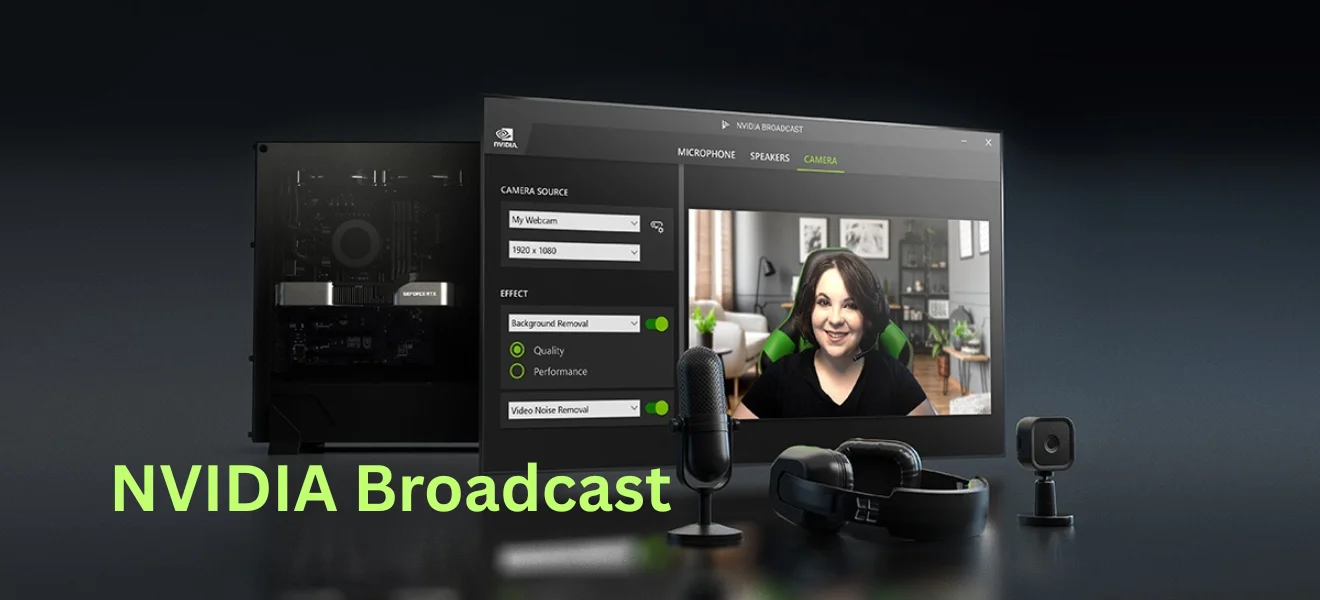
Loud keyboard clicks, fan noise, microphone noise or various echoes in the background and many other distractions? With NVIDIA BROADCAST technology, you can easily eliminate them with a single click.
Key Features:
- Eliminates keyboard noise, fan noise and room echo
- Enhances both video and audio with real-time AI
- Works with popular apps like OBS, Discord, Zoom and Teams
- Virtual background with no green screen
- Automatic centering, eye contact adjustment and lighting
- Requires RTX 2060 , Windows 10 , 8 GB RAM
- Ideal for streamers, creators and casual users alike
What is NVIDIA Broadcast?
NVIDIA Broadcast is NVIDIA’s gaming technology that uses artificial intelligence to enhance audio and video for video calling, streaming , and audio-visual broadcasts of all types. It uses several clever tools to achieve perfect transmission. This technology is designed primarily for streamers, but it is also great for business meetings or those who work from home.
For full use of NVIDIA Broadcast, graphics cards from the RTX 2060 series and above are recommended. Windows 10 or later, the latest updated drivers from NVIDIA , and at least 8GB of RAM are also required.
NVIDIA Broadcast is compatible with streaming applications such as – OBS Studio, Streamlabs, XSplit Broadcaster, etc. It is also compatible with communication applications such as – Discord, TeamSpeak, Skype, Zoom, Webex, Microsoft Teams and so on.
NVIDIA Broadcast Tools
NVIDIA Broadcast offers tools that enhance the streaming experience for audio, video, or, as is most often the case, both at the same time. They are divided into two main groups: audio and video. Whether you’re streaming, having a video call, or recording content, these features help you sound and look more professional, even without complex setup. With just a few clicks, the difference is immediate.

RTX 2060 Super 8GB Graphics Card 256Bit GDDR6 Video Card with Ray Tracing, Dual Fans, PCI Express x 16 3.0 HDMI Display Port DVI, Supports Up to 8K for Office Creative Work PC Gaming
Audio editing tools
Noise Removal
Technology to remove noise, unwanted background noises, keyboard noises, fan noises and more. Noise Removal cleans up the audio and leaves a clear sound without extraneous noise.
Room Echo Removal
Removes various echoes and sound reflections in the recording environment and ensures clear and intelligible sound from any environment.
Studio Voice (beta)
Enhances the quality of the transmitted audio, resulting in a more professional sounding sound, almost like in a recording studio.
Image editing tools
Virtual Background
Uses AI models , accelerated through Tensor Cores RTX cards for real-time noise suppression, automatic camera framing, and the ability to set a virtual background – all without the need for a green screen.
Auto Frame
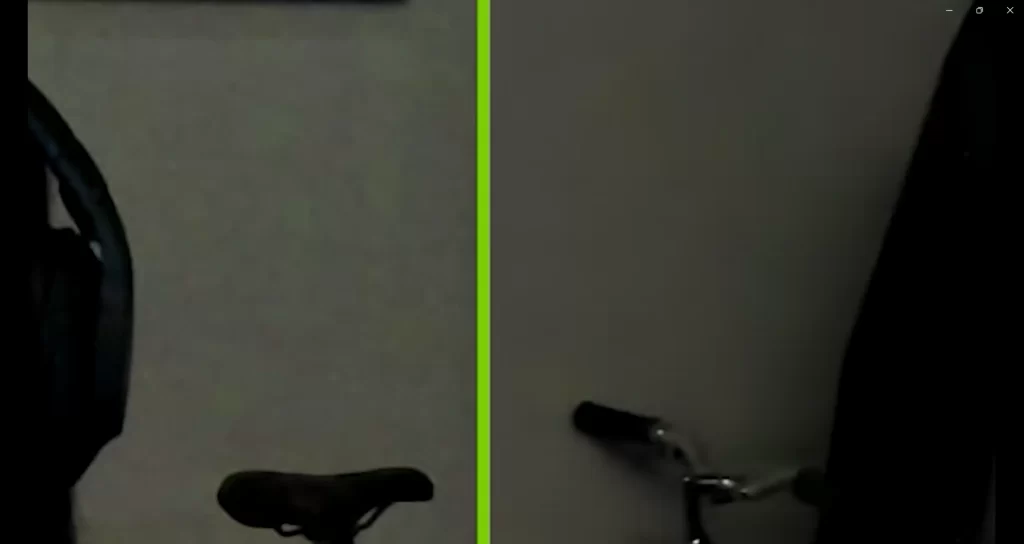
This tool is designed to dynamically track the subject on the camera and keep it centered in the frame with the correct focus, even when the subject is moving. or there is an obstruction in the field of view.
Video Noise Removal
Enhances the image quality of a webcam by removing visual noise that occurs in low-light conditions. This makes the image look cleaner and more professional.
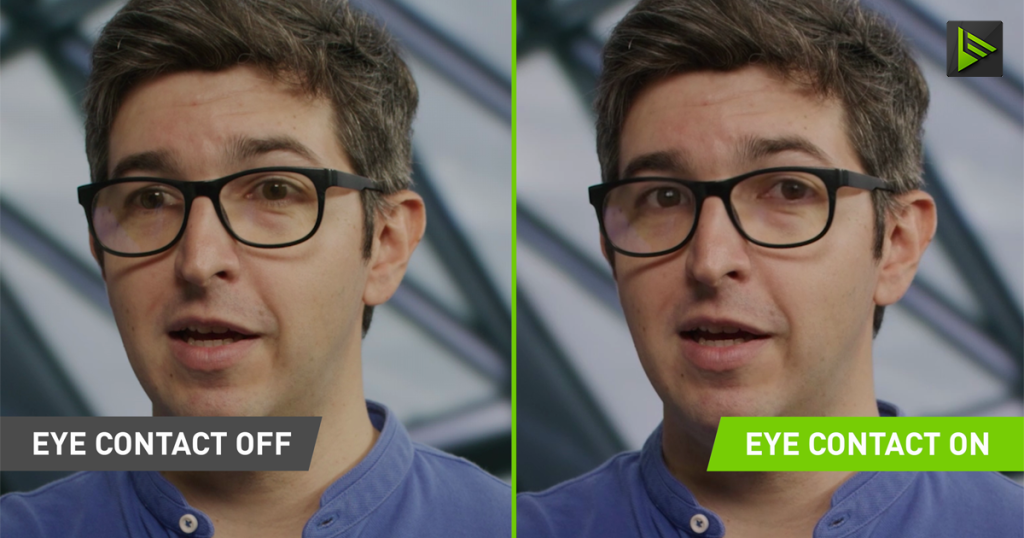
Eye Contact
Uses AI models that adjust the eyes to still maintain eye contact with the camera, even when the person is looking in a different direction.
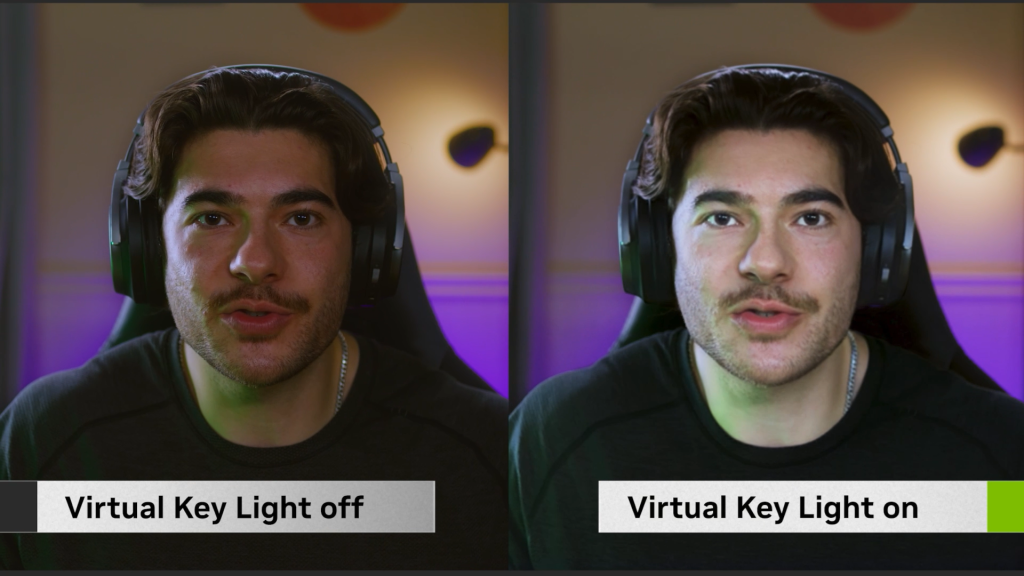
Virtual Key Light
This tool is used to ensure that the subject is always properly lit by automatically illuminating the face to minimize shadows and ensure even lighting during a stream or call.
So is Nvidia Broadcast worth using?
NVIDIA Broadcast continues to improve with every update, thanks to artificial intelligence that takes both video and audio quality to the next level. The result is a professional, distraction-free broadcast, whether you’re streaming, on the phone, or conducting important online meetings. Whether you’re streaming or simply need a better picture during work video calls – it’s definitely worth checking out Nvidia Broadcast!
FAQ – Frequently Asked Questions
What exactly does NVIDIA Broadcast do?
NVIDIA Broadcast improves audio and video for streaming, video calling or recording using artificial intelligence. It removes noise, echo, and improves webcam image quality.
Is NVIDIA Broadcast suitable for everyday users?
Absolutely. While it’s ideal for streamers, it will also help with online meetings, working from home, or recording a podcast.
Which applications is NVIDIA Broadcast compatible with?
It works with apps like OBS Studio, Streamlabs, XSplit, Discord, Zoom, Microsoft Teams, Skype, and more.
Otázka 4
Krátka a jasná odpoveď.