


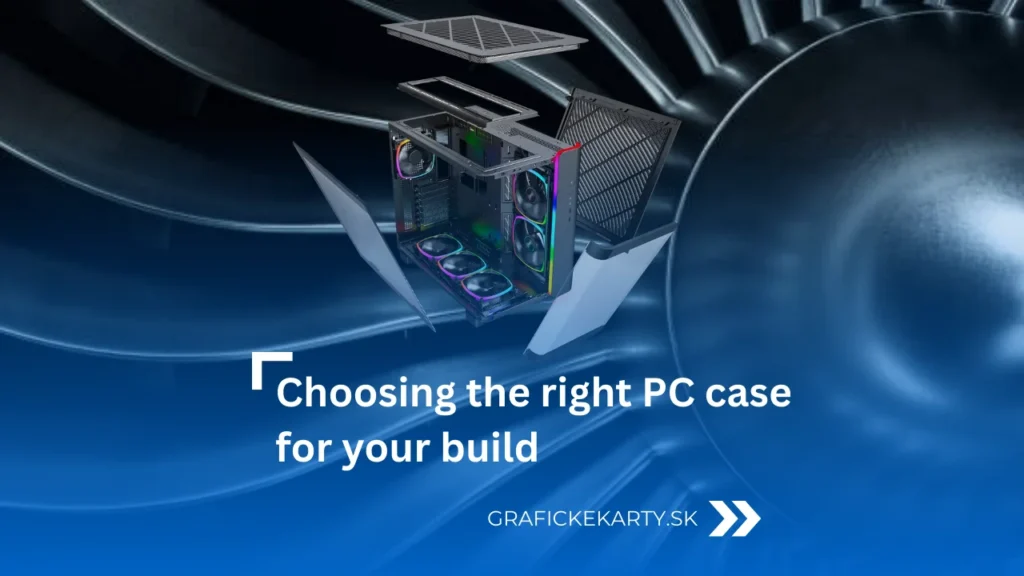
Choosing a PC Case is crucial for system thermal management in 2026. The chassis is no longer just a passive enclosure, but an active subsystem that directly determines the operational stability of key components. If airflow dynamics are underestimated, thermal saturation and a drop in clock frequencies occur, causing the hardware to lose its ability to operate at its nominal level.
Case formats: From compact assemblies to workstations
Choosing a PC Case starts with determining the form factor, which defines not only the dimensions on the desk, but mainly the volume of air available for cooling. In 2026, we distinguish four main categories:
- SFF (Small Form Factor / Mini-ITX): The smallest cases designed for lovers of minimalism. They require ITX motherboards and often special SFX power supplies. Although they are space-saving, they are the biggest challenge for modern GPUs with high TDP, as they require precise airflow planning and often the use of a sandwich arrangement of components.
- Mini Tower (Micro-ATX): The golden mean for gamers who don’t want a huge “box.” They support mATX boards, which are the most affordable. They offer enough space for powerful cooling, but with the largest three-slot graphics cards, they may reach their limits in terms of length or thickness.
- Midi Tower (ATX): The most widespread standard in 2026. These cases accommodate classic ATX motherboards and are designed to easily handle 14.17 inch or 16.54 inch water cooling radiators. They are ideal for most users because they offer the best balance between air volume and the ability to effectively cool high-end components.
- Full Tower / Big Tower (E-ATX): Massive chassis for enthusiasts and professionals. They support extra-wide E-ATX motherboards and are essential if you plan to install multiple graphics cards, custom water cooling loops with massive reservoirs, or large disk arrays. In an era of extremely hot components, Full Towers are a safe choice for maximum thermal comfort.


Airflow and airflow dynamics
The basis for successfully choosing a PC Case is understanding airflow. In 2026, we primarily operate with three concepts: overpressure, underpressure, and balanced flow. Overpressure (more air sucked in through the filters) is ideal for keeping the assembly clean, while underpressure can more aggressively remove heat from the GPU, but at the cost of rapid dust accumulation. However, the modern standard is balanced airflow, where the bottom and front fans push cold air directly under the graphics card fans and the top fans with rear exhaust immediately expel it outside.
Battle of concepts: Mesh versus Dual-Chamber
Today’s market is divided into two functional approaches to chassis architecture, which fundamentally influence choosing a PC Case:
- Mesh: Cases with perforated fronts are still unbeatable in terms of raw performance. In 2026, it’s no longer just about the front panel, but often also about perforated side panels in the power supply area. Thanks to zero air resistance (impedance), they achieve 41–50 °F better results than closed solutions. This allows the fans to run at lower speeds, significantly reducing noise while maintaining high airflow (CFM).
- Dual-Chamber (Aquariums): These cases rely on visuals and use separate chambers where the power supply and all cabling are isolated in a separate space behind the motherboard. This design eliminates obstacles in the main chamber, but places enormous demands on the fans. Here, it is necessary to use fans with high static pressure so that they can effectively draw air through the filters to the vertically oriented components.
Dimensions and space compatibility
A key parameter when choosing in an e-shop today is dimensions, which have changed dramatically with the arrival of new generations of cards. When buying, you need to analyze these three critical factors:
- Internal width (clearance): Modern GPUs with extreme TDP require massive coolers. Due to the stiffness of 12VHPWR cables, you need at least 1.18–1.57 inch of free space between the edge of the card and the side panel. If the case is too narrow, the cable will bend dangerously against the glass.
- BTF support (Project Zero / Stealth): In 2026, cases without cutouts on the back of the tray for connectors are considered obsolete. A modern case must allow cables to be connected “from the back” directly to the board.
- GPU length and radiator thickness: Many high-end cards in 2026 exceed 13.78 inch. Always check that the length of the card does not interfere with the front radiator and fans, which take up an additional 2.17–2.36 inch of depth.
Cable management and power supply chamber
A separate issue that needs to be considered when choosing a PC Case is the PSU shroud (tunnel for the power supply). This chamber must be spacious enough not only for the powerful power supply itself, but also for excess cabling, which would otherwise block the airflow to the bottom fans. For water cooling radiators (AIO), top exhaust mounting is strongly recommended in 2026. Although front mounting cools the processor slightly better, it blows preheated air into the case, which, given the current demands of graphics cards, means an immediate increase in their operating temperatures and fan speeds.
What to watch out for: Community experience
Discussions on Reddit and Quora warn against three fundamental mistakes. The first is buying unnecessarily large Big Tower cases for medium-performance builds, which creates “dead zones” where hot air just swirls around and is not effectively removed. The second pitfall is cheap cases with pre-installed RGB fans, which are often noisy, have low airflow, and short bearing life. The community therefore advises investing in a higher-quality chassis with fewer but more powerful fans. Another critical point is the vertical mounting of the GPU – if the card is too close to the glass, the fans have nothing to suck in, leading to overheating and immediate loss of performance.
Conclusion
You should view your current choosing a PC Case as a long-term investment. While you will replace the processor or graphics card after two generations, a high-quality, spacious case with easily accessible filters and support for the BTF standard will last you through three to four more upgrades. The right case in 2026 is not the one that is most visible, but the one that is least audible thanks to good airflow.


Choose from thousands of PC cases — from compact ITX to massive Big Tower models. Whether you’re building a quiet office machine or a gaming beast, you’ll find the right one here.